Yi Tracker is a popular GPS tracking software all over the world. We've collected some most common issues when clients use it. Therefore, this essay may help you deal with some basic issues and make you understand this APP more.
How to login the APP?
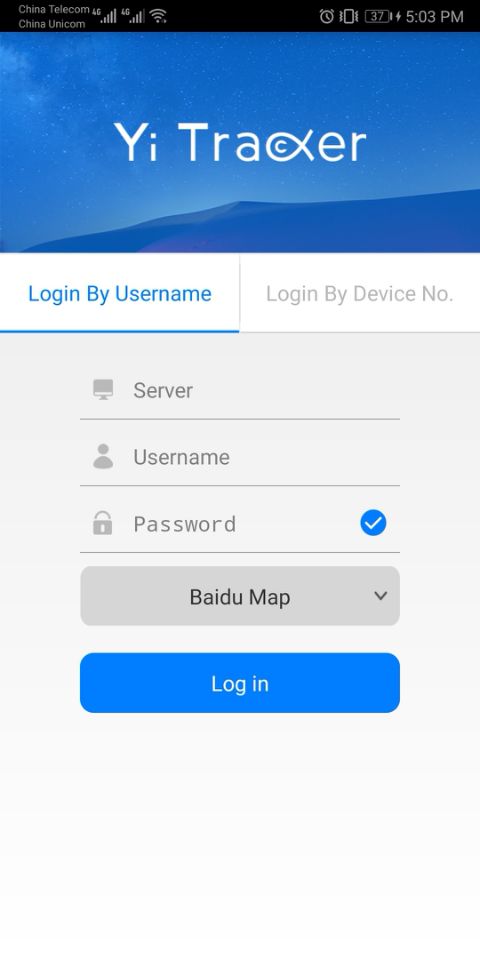
We have received many Emails like "Why i can't login the Yi Tracker?", "How to enter the Yi Tracker?" etc.. The Yi Tracker login details including login type; server link; username or ID number and password, to make sure meet every kinds of client's demand.
If you're end-user with one device only, please select the "Login By Device No.", input the correct server link, id number and password, then you'll login it successfully. For the reseller or distributor with multiple devices, they should select "Login By Username" and input the username which seller registered for them.
Why it has no Google Map?
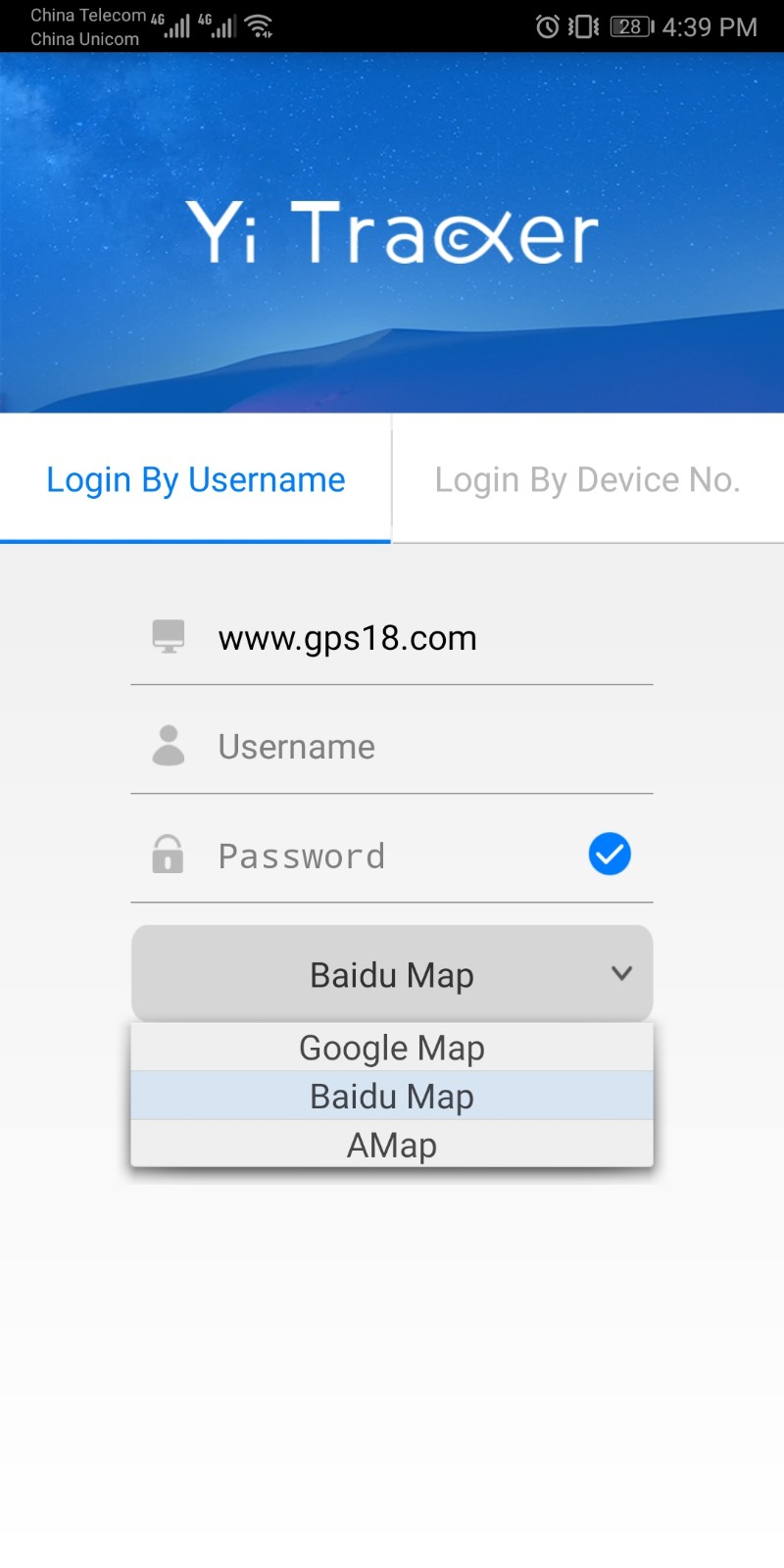
Some of customers complaint to us that there is no Google map in APP. Actually, it has a drop-down menu on APP login page. This menu is intend to give clients the option for selecting the map they want. Yi Tracker supports Google map, Baidu map and A MAP, it suites almost every clients' requirements.
If you have any other queries or suggestion about Yi Tracker, please contact us no hesitation!
If you want to know more details or place the order directly,
clike HERE to visit our Alibaba!